What Is a Cloud PC?
A cloud PC is a computer hosted on remote infrastructure that users access through an internet connection. Depending on the service, it can provide a Windows desktop, CPU resources, RAM, storage, and GPU capabilities for running demanding applications.
In cloud PC gaming, the remote computer processes the game and streams its video and audio to your device. Your keyboard, mouse, or controller inputs are sent back to the remote system.
This setup can be useful for gamers who use laptops, Macs, or older computers that cannot run certain games locally. Rather than purchasing a new graphics card or replacing an entire desktop, users can rent access to a suitable remote configuration.
However, performance depends on the selected hardware, server location, internet connection, and compatibility of individual games.
Renting a PC: Full Price and Payment Terms Explained
Before renting pc full price payment terms, it is important to understand how the provider calculates charges. Some platforms use monthly subscriptions, while others offer hourly or daily billing.
SensePC offers Hourly, Daily, and Monthly plans, with charges applied upfront at the beginning of the applicable billing unit or cycle.
Here is how the options work:
- Hourly billing: Suitable for short or variable sessions. Compute charges apply while the PC runs, and usage may be rounded up to a full hour. Persistent SSD storage can remain billable when the computer is stopped.
- Daily billing: Suitable for regular day-based use. SensePC’s Daily plan includes up to 10 hours of runtime per 24-hour cycle, with the daily fee charged upfront.
- Monthly billing: Designed for more regular use. SensePC’s Monthly plan includes up to 180 hours of runtime per 30-day term, with the fee charged in advance.
The included runtime limits and payment rules are important when calculating the actual cost of renting a PC. A monthly plan does not necessarily mean unlimited computing time.
For the most accurate total, check the current pricing calculator, selected hardware configuration, server region, storage allocation, and billing information displayed during PC creation.
You can review the details on the SensePC pricing page.
Cloud PC Gaming vs. Buying a Gaming Computer
A traditional gaming PC requires an upfront hardware purchase. Cloud PC gaming replaces that purchase with payments for access to remote computing resources.
The best option depends on how frequently you play and whether you value ownership or flexibility.
| Factor | Traditional gaming PC | Cloud PC gaming |
|---|---|---|
| Initial hardware cost | Purchase the computer | No purchase of the remote hardware |
| Payment model | Hardware purchase and ongoing costs | Hourly, daily, or monthly fees, depending on provider |
| Hardware upgrades | Buy or replace components | Select an available cloud configuration |
| Internet dependency | Varies by game | Requires a stable connection |
| Maintenance | Primarily your responsibility | Provider manages the remote infrastructure |
| Long-term value | May suit frequent, long-term use | May suit occasional or flexible use |
Cloud PC gaming can be convenient when you need additional performance for specific sessions. However, frequent users should compare cumulative rental costs against the total cost of owning and maintaining a local computer.
Why Consider SensePC for Cloud PC Gaming?
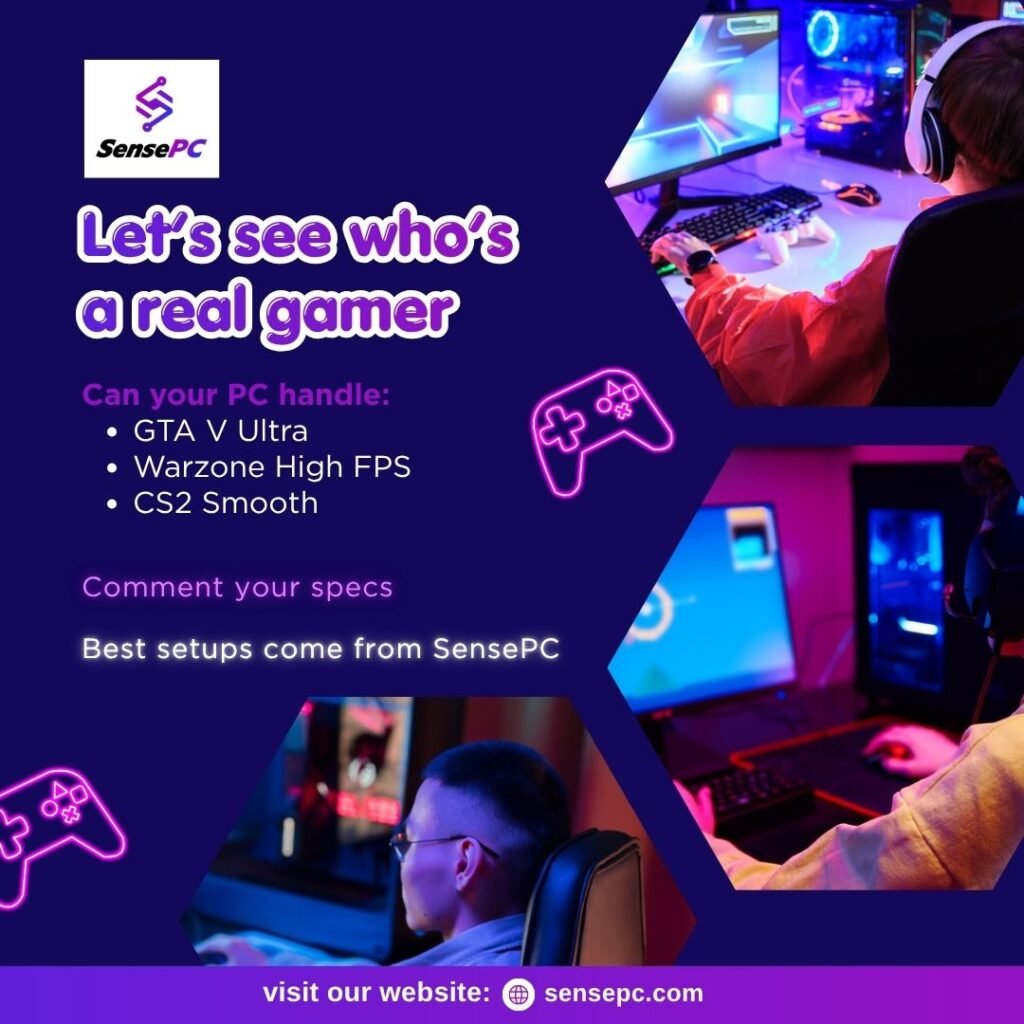
SensePC provides a Windows-based cloud PC environment for gaming and other computing tasks. Its gaming-focused Xtreme configurations include NVIDIA L4 graphics resources, while Steam and Epic Games Launcher are ready on Xtreme plans.
Users can sign in to their own accounts and install compatible games, subject to the relevant game and platform requirements.
Key features to consider include:
- Flexible access: Select hourly, daily, or monthly billing based on your usage.
- Persistent storage: Keep installed games, files, and settings on the allocated SSD between sessions.
- Remote Windows desktop: Access a full Windows environment rather than being limited to a fixed streaming-game catalog.
- Browser connectivity: Start through a supported browser.
- Performance Mode: Use the native Amazon DCV client on supported Windows and macOS computers for the recommended gaming connection experience.
SensePC’s pricing model can suit users who want to start with hourly access and consider a longer plan if their usage increases.
Before creating a PC, cloud gaming laptop review the current configuration prices, storage charges, runtime allowances, and payment terms. Visit SensePC to explore the available options.
How to Choose the Right Cloud PC Plan
Selecting the right billing option starts with estimating how many hours you expect to use your remote computer.
Choose hourly access if you play occasionally, test games, or need computing power for short sessions. Remember that persistent storage charges may continue after you stop the PC.
Consider daily access if you expect to use the cloud PC regularly during a particular day. Check the included runtime allowance and the rules for the next billing cycle.
Consider monthly access if cloud gaming is part of your regular routine. Compare the included runtime with your actual usage to determine whether the plan makes financial sense.
Regardless of the plan, check whether automatic renewal is enabled and maintain enough wallet balance to cover applicable charges.
Final Thoughts
Cloud PC gaming offers an alternative to purchasing a powerful local computer, giving users access to remote hardware through flexible rental arrangements. However, the right choice depends on more than the advertised hourly price.
Before renting a PC, compare hardware specifications, payment terms, storage charges, runtime limits, and connection quality. SensePC is one option for users seeking a Windows cloud PC with GPU-equipped gaming configurations and hourly, daily, or monthly access.
By estimating your expected usage and checking the full pricing details before signing up, you can choose a cloud PC solution that fits your gaming needs and budget.