A powerful gaming computer can deliver impressive graphics and smooth gameplay, but building one requires an investment in hardware, maintenance, and upgrades. For people who want access to more computing power without purchasing a high-end desktop, a virtual gaming computer offers another option.
With cloud computing, users can connect to a remotely hosted computer and access its resources over the internet. Depending on the provider, this setup can support gaming, productivity, and other demanding applications. Understanding how cloud PC gaming works and what to consider when comparing Shadow PC alternatives can help users choose a solution that fits their needs.
What Is a Virtual Gaming Computer?
A virtual gaming computer is a remotely hosted computing environment designed to run games or other graphics-intensive applications. Instead of performing all the processing on a local device, the remote computer handles the workload and streams the visual output to the user.
The experience generally depends on several components:
- GPU performance: Determines how well the system handles graphics-intensive workloads.
- CPU and memory: Affect game performance, multitasking, and application responsiveness.
- Internet connectivity: Determines how reliably the user can interact with the remote computer.
- Server location: Can influence latency and input response.
- Software compatibility: Determines which games, launchers, and applications can run successfully.
A virtual gaming computer can be useful for someone whose laptop or desktop lacks a powerful graphics card. However, it is important to check the actual hardware configuration and supported games before choosing a service.
How Does Cloud PC Gaming Work?
Cloud PC gaming uses remote computing resources to run games while the player interacts with them through a network connection.
The process typically follows four steps:
- The user connects to a cloud computer through a supported access method.
- The remote machine runs the game using its available hardware.
- The service streams the resulting video to the user’s device.
- Keyboard, mouse, or controller inputs travel back to the remote machine.
This arrangement separates the gaming hardware from the device used to access it. A compatible laptop, for example, may serve as the interface for a more powerful remote computer.
Cloud PC gaming differs from conventional game-streaming services because some platforms provide access to a more complete desktop environment. Depending on the provider, users may have greater control over software installation, settings, and general computer tasks.
That flexibility is useful, but it can also mean that users need to configure their environment themselves.
Why Consider Shadow PC Alternatives?
People researching Shadow PC alternatives may have different reasons for exploring other cloud computing platforms. Some want a different pricing model, while others are looking for particular GPU configurations, improved access from their region, or a setup that better matches their workload.
Rather than choosing a provider based on popularity alone, compare the following factors.
1. Pricing and Usage Flexibility
Cloud PC services may charge through subscriptions, usage-based billing, or other pricing arrangements. Consider how often you will use the computer and whether you need access continuously or only for occasional sessions.
For occasional gaming, paying for computing time when needed may be attractive. Frequent users should compare the total cost over a typical month.
2. Hardware Configuration
A service’s advertised GPU is only one part of its performance profile. CPU capacity, memory, storage, and the way resources are allocated can also affect the experience.
Check whether the available configuration suits the games and applications you intend to run.
3. Latency and Connection Quality
A remote gaming computer relies on communication between your device and a server. High latency or an unstable connection can make fast-paced games feel less responsive.
Look for information about server regions, connection requirements, and supported streaming methods. If possible, test the service under your normal network conditions before committing to a long-term plan.
4. Desktop Access and Compatibility
Some services focus on a predefined library of games, while others offer a remote desktop or virtual machine. These approaches provide different levels of flexibility.
If you want to use your own game launchers or install other software, confirm that the provider allows it and that the applications are supported.
SensePC as an Option for Cloud PC Gaming
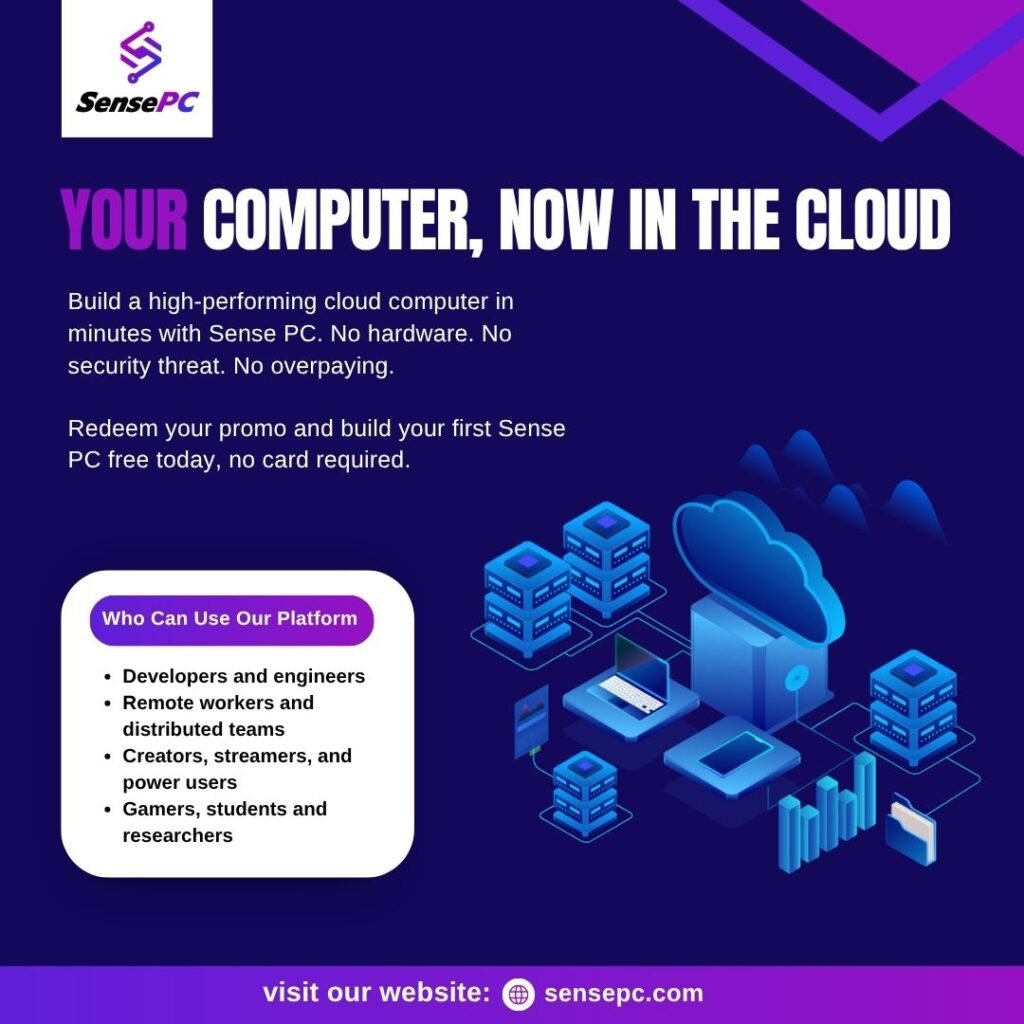
SensePC is one platform worth considering when exploring virtual gaming computers and cloud PC gaming. It provides remotely accessible cloud computers, including Windows-based environments designed for gaming and other computing workloads.
Its cloud gaming PC offering is intended for users who want to access remote computing power without relying entirely on their local machine’s hardware. The platform’s usage-based approach can also suit people who prefer accessing computing resources when required rather than maintaining a dedicated high-performance computer.
Before selecting SensePC or another provider, review the current hardware configurations, billing details, supported games, and connection requirements. The best choice depends on your location, internet connection, budget, and intended use.
Virtual Gaming Computer vs. a Physical Gaming PC
Both options can provide access to demanding games, but they work differently.
A physical gaming PC runs locally. It can offer low input latency, offline access to compatible games, and direct control over hardware upgrades. However, the user is responsible for purchasing, maintaining, and replacing the equipment.
A virtual gaming computer shifts much of the hardware responsibility to a cloud provider. It can reduce the need for a large upfront hardware purchase and make powerful computing resources accessible from compatible devices.
The trade-off is that cloud gaming depends on internet connectivity and ongoing service costs. For users with unreliable internet access or a need for consistently low latency, a local gaming PC may be more suitable.
Tips for Getting Better Results From Cloud Gaming
A few practical steps can help improve the experience:
- Use a stable internet connection, preferably wired Ethernet when available.
- Close unnecessary applications that consume network bandwidth.
- Choose a server region that provides a responsive connection.
- Check whether your preferred games and launchers are supported.
- Review session limits, storage policies, and billing terms.
- Test input response and streaming quality before investing heavily in a service.
Remember that a high-performance remote GPU cannot eliminate every network-related delay. The quality of the complete connection matters as much as the server specifications.
Conclusion
A virtual gaming computer provides an alternative to buying and maintaining a powerful physical desktop. Through cloud PC gaming, users can access remote hardware from compatible devices and potentially use the same environment for other computing tasks.
When comparing Shadow PC alternatives, focus on pricing, GPU and CPU resources, latency, desktop flexibility, and software compatibility rather than relying on marketing claims alone.
SensePC is one option to evaluate for remotely accessible gaming and computing environments. By comparing available configurations and testing real-world performance, users can make a more informed decision about whether a cloud PC fits their gaming habits and budget.