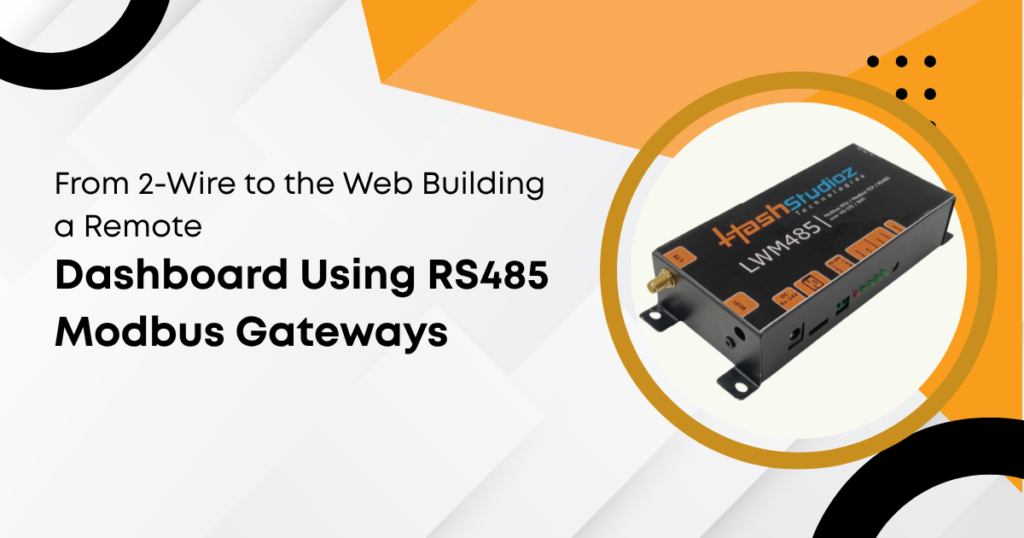
Modern industrial systems require real‑time visibility into equipment status and performance. Traditional communication methods like 2‑wire serial links no longer meet these demands. To bridge legacy devices and modern networks, engineers use an RS‑485 Modbus Gateway. This device translates serial data into network traffic, enabling remote dashboards. These dashboards provide data at a glance, boost decision accuracy, and support predictive maintenance.
What Is RS‑485 and Why It Matters
RS‑485 refers to a physical communication standard. It uses differential signals over twisted pairs. This method reduces noise and allows data over long distances.
- Supports up to 1,200 meters (4,000 feet) of cable
- Connects many devices on one network
- Resists electrical interference commonly found in factories
RS‑485 became popular in industrial automation because it solves the limitations of older communication methods. When systems scale, RS‑485 remains reliable and cost‑effective.
What Is Modbus and How It Works
Modbus is a communication protocol designed for industrial networks. Originally developed in 1979, it remains widely used. By 2024, Modbus supported over 45% of industrial controllers worldwide.
Modbus defines how data structures are read and written:
- Registers hold data values
- Devices use function codes to read or write registers
- Communication follows a master‑slave architecture
In a standard RS‑485 Modbus network, one device acts as the master and polls others (slaves) for data. This works well for small networks. However, the world is moving toward remote monitoring and cloud integration.
Why a Modbus Gateway Is Required
A Modbus Gateway connects RS‑485 networks to IP networks such as Ethernet or Wi‑Fi. It converts RS‑485 Modbus traffic into TCP/IP data and vice versa.
Without a gateway:
- Devices stay isolated within the plant
- Remote monitoring is impossible
- Modern IT systems cannot access industrial data
With a gateway:
- Data becomes accessible beyond the factory floor
- Engineers can view system status from anywhere
- Maintenance teams can respond faster to issues
An RS‑485 Modbus Gateway becomes the bridge between old and new technologies.
Key Functions of an RS‑485 Modbus Gateway
A gateway must handle several tasks to be effective:
1. Protocol Translation
The gateway reads serial Modbus RTU/ASCII frames and converts them to Modbus TCP/IP packets. This allows IT systems to interpret data correctly.
2. Data Filtering and Mapping
Gateways can filter data, reducing the volume sent to the dashboard. They can also map registers into more usable formats, like JSON.
3. Security Controls
Industrial networks are sensitive. Gateways often include:
- Password protection
- Firewall rules
- Role‑based access
These help prevent unauthorized access to machine data.
4. Redundancy and Failover
High‑availability gateways provide network reliability:
- Dual network interfaces
- Automatic failover if one link breaks
This reduces downtime in critical applications.
Building Blocks of a Remote Dashboard System
Designing a remote dashboard with RS‑485 Modbus Gateways involves several components.
1. Sensors and Controllers
The foundation of a remote dashboard system is the field devices that generate operational data. These include temperature sensors, pressure transmitters, variable frequency drives (VFDs), and PLCs. Each device has a unique register map, which defines how data is accessed and structured for monitoring.
2. RS‑485 Network
Field devices are interconnected using RS‑485 cabling. Best practices include using twisted-pair cables, terminating differential pairs at the ends, and maintaining a single ground reference. Proper wiring ensures signal integrity, reduces communication errors, and provides a stable backbone for data collection.
3. Modbus Gateway
The RS‑485 Modbus gateway sits at the network edge, interpreting serial data and forwarding it over IP networks. Options include industrial Ethernet gateways, wireless bridges, and cellular gateways for remote sites. Gateway selection depends on network size, connectivity requirements, and site-specific challenges.
4. Network Layer
After data exits the plant network, it travels over LANs, WANs, cellular networks, or VPN tunnels. The network layer ensures that data moves securely, reliably, and efficiently from field devices to remote monitoring systems, maintaining continuous communication for real-time analytics.
5. Remote Dashboard Software
- Dashboards collect, visualize, and analyze the transmitted data. Typical features include real-time charts, historical trending, alerts, notifications, and exportable reports. Dashboards can be accessed via web browsers, mobile apps, or dedicated software, providing operators instant insight into system performance and status.
Example: Monitoring a Pump Station
Consider a municipal water system with multiple pump stations. Each station has:
- Flow meter
- Pressure sensors
- Pump frequency drives
All devices communicate over RS‑485 using Modbus.
Step‑by‑Step Setup
- Connect Devices: Wiring from sensors and controllers to a Modbus network.
- Choose an RS‑485 Modbus Gateway: A gateway with Ethernet and cellular support ensures connectivity even in remote areas.
- Configure Protocol Mapping: Assign each register to meaningful dashboard tags. For example:
- Register 40001 = Pump status
- Register 40002 = Flow rate
- Network Setup: Use a secure VPN to send data to the central server.
- Dashboard Integration: Create graphs, alarms, and dashboards for operators.
Real‑World Results
After deployment:
- Engineers observed 20% fewer emergency service calls
- Pump downtime dropped by 15%
- Remote adjustments reduced on‑site visits by 35%
These figures show how remote dashboards improve efficiency.
Challenges and How to Overcome Them
No engineer should assume straightforward deployment. Several challenges arise.
1. Addressing Network Noise
Industrial environments often generate electromagnetic interference that can corrupt RS‑485 signals. Engineers mitigate this by using shielded twisted-pair cables, proper grounding, and surge protectors. These measures reduce data errors and maintain reliable communication across long or electrically noisy networks.
2. Handling Protocol Differences
Devices from different vendors may implement Modbus or other protocols differently. Gateways can address this with custom register maps and scripting features that translate device-specific data into standardized formats, ensuring accurate interpretation and seamless integration across heterogeneous industrial systems.
3. Ensuring Security
Exposing operational technology (OT) networks to IP connectivity introduces cybersecurity risks. Solutions include using VPNs, network segmentation, and regular password updates. These security practices protect sensitive industrial data, reduce potential threat vectors, and maintain system integrity.
4. Scaling to Many Devices
Large deployments with numerous devices can overload gateways or networks. Engineers overcome this by deploying multiple gateways, implementing load balancing, and optimizing polling intervals. These strategies maintain system responsiveness, prevent bottlenecks, and support growth in industrial IoT applications.
Statistics That Support Remote Dashboards
Adopting remote monitoring yields measurable benefits.
- 72% of manufacturers surveyed saw reduced unplanned downtime due to remote monitoring.
- Remote solutions sometimes reduce operational costs by 10–20%.
- Real‑time dashboards improve maintenance response time by up to 40%.
These figures reflect industry trends toward connected operations.
Technical Considerations in Gateway Selection
Selecting the right gateway requires technical clarity.
1. Protocol Support
A gateway must support the protocols used by connected devices. Standard protocols include Modbus RTU, Modbus ASCII, and Modbus TCP/IP. Additional support for custom or vendor-specific protocols ensures compatibility with diverse industrial equipment and simplifies integration.
2. Interface Types
Gateways offer various physical and network interfaces such as USB to RS‑485, serial ports (RS‑232/RS‑485), Ethernet, Wi‑Fi, and cellular 4G/5G. Selection depends on the network layout, device connectivity needs, and whether remote or local access is required for data transmission.
3. Processing Power and Memory
Gateways in complex systems must have sufficient CPU speed, RAM, and internal storage. Adequate processing power ensures smooth data handling from multiple devices, prevents latency or delays, and supports additional features like edge logic or protocol translation without performance bottlenecks.
4. Environmental Ratings
Industrial gateways often operate in harsh conditions. Devices should offer wide operating temperature ranges, vibration resistance, and overall ruggedness. High environmental ratings improve reliability, reduce the risk of failure, and ensure continuous operation in challenging industrial settings.
Future Trends in Industrial Communication
The industry evolves rapidly. Key trends include:
1. Convergence of IT and OT
IT (Information Technology) and OT (Operational Technology) systems now share more data. This improves analytics, AI, and machine learning applications.
2. Cloud‑Based Dashboards
Cloud dashboards reduce infrastructure costs and support remote access. Scalable servers handle high volumes of data across locations.
3. IPv6 Adoption
As networks expand, IPv6 provides more address space and better routing, especially for large sensor networks.
4. Edge Computing
Edge devices process data close to the source. This lowers latency and bandwidth usage. Gateways with edge capabilities perform:
- Local data filtering
- Alarm threshold detection
- Predictive analytics
Conclusion
Industrial systems must evolve beyond simple 2‑wire connections. RS‑485 networks continue to support robust communication, but they must connect to modern systems. An RS‑485 Modbus Gateway serves as the key interface, enabling data flow from legacy devices to IP networks. By connecting these networks to remote dashboards, operators gain real‑time visibility, analytics, and actionable insights.
A well‑designed remote dashboard improves system reliability, cuts downtime, and supports informed decisions. Using proper planning, reliable gateways, and secure networks, engineers can build effective monitoring solutions that span the factory floor and beyond.